Teacher quick start
Everything a teacher needs, from accepting the invitation to seeing their classes and dancers, taking the register, changing a date and following fill-ins.
For teachers
For teachers. Send this to your teachers when you invite them.
Join#
You'll get an email invitation from the school. Open the link, set your password, and you're in. The link works for 7 days and only for the address it was sent to. If it has expired, ask the school to renew it.
Until you've accepted, the school can't put you on a class.
What you see#
Your sidebar has three items:
- Tonight: your classes today, with who's expected and how the leads and follows balance.
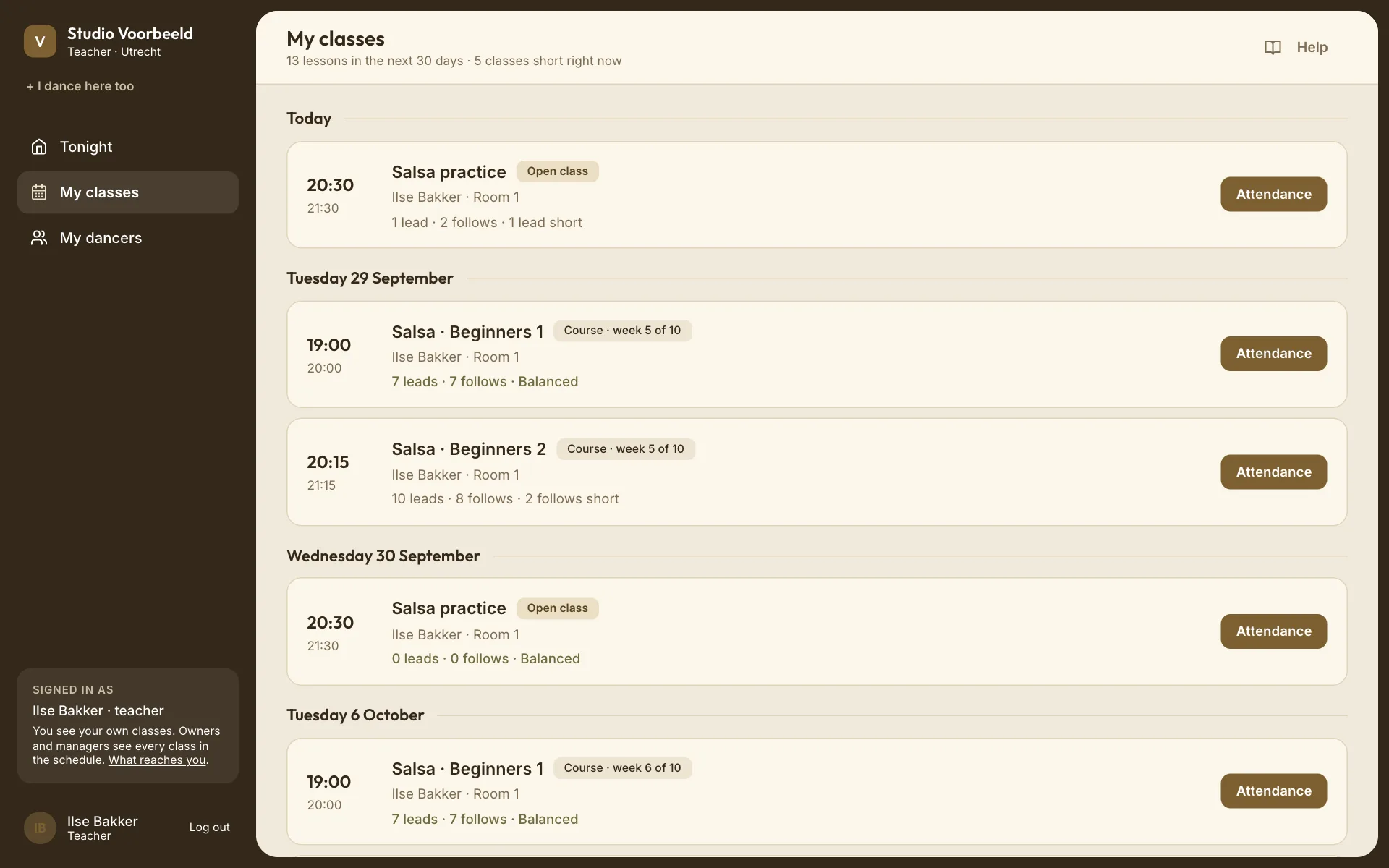
- My classes: every class you're assigned to. Open one for its dates.
- My dancers: the people in your classes.
You see your own classes and the people in them. Prices, payments, the school's member list and its settings are for owners and managers.
Before class#
About 90 minutes before each class you teach, you get a summary of who's expected and how the roles sit. You can turn it off under Notification settings (Classes you teach).
If a class is short on one role and the school runs fill-ins, Dansly asks dancers by itself. You'll see the request on the class and hear when someone claims a spot. Teachers never send requests themselves.
Take the register#
Open the class → Attendance. Tap Here or Absent for each dancer. See Take attendance.
Mark the register on the night. If it's still open 15 minutes after class ends, you'll get a reminder.
Change one date#
On a class you teach, Edit this date changes the start and end, the room and the team note for that one date. When the time or room changes, everyone booked and the teachers on the date are told. A Note for the team tells nobody else. Changes to the whole course, and cancelling a date, are for managers.
Export a roster#
A class you teach can be exported as a spreadsheet: names, emails, roles and attendance.
If something's missing#
- A class isn't in My classes: you're not assigned to it. Ask a manager to add you as a teacher on the course or open class.
- You can't open the invitation: it may have expired, or been sent to a different address. Ask the school to resend it.